




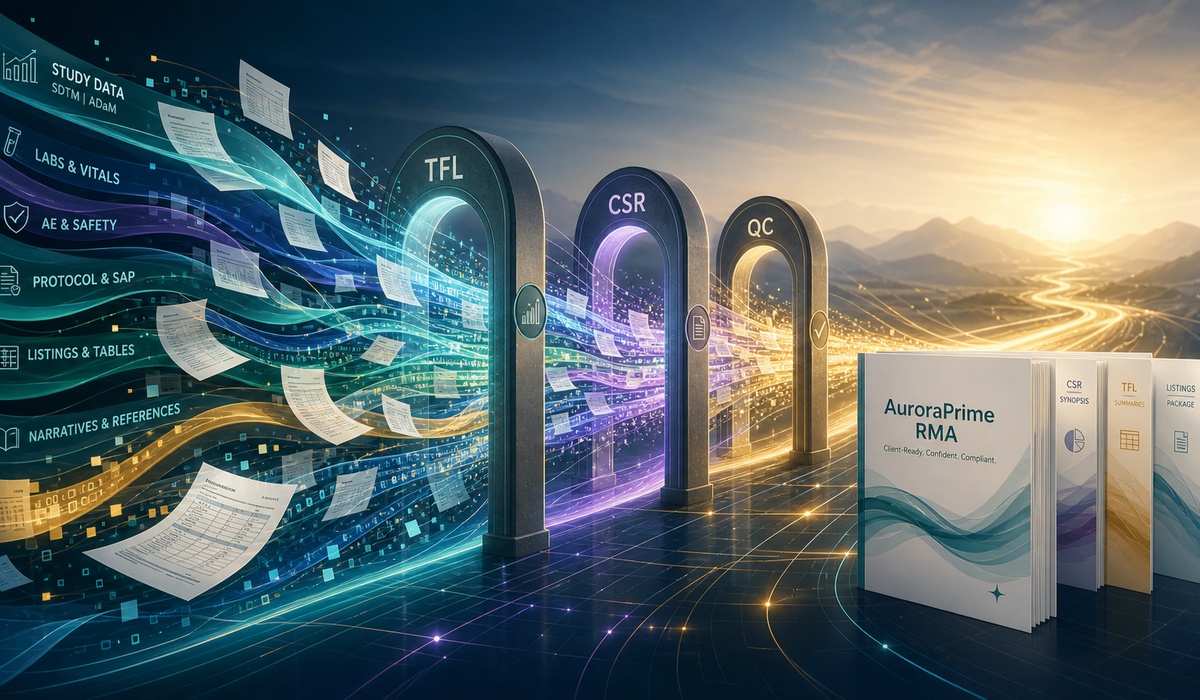
The CRO Delivery Problem
CRO and medical writing service teams live in the space between client urgency and document reality. One sponsor wants a specific CSR style. Another wants a different TFL convention. A third has late comments, revised data, and a deadline that somehow did not move.
This article is for CRO delivery leads, medical writing service directors, client account teams, and operations leaders evaluating pharma regulatory authoring service technology. It focuses on scalable delivery, not contracting models, staffing design, or pricing strategy.
AuroraPrime RMA helps CROs by turning repeated writing tasks into managed authoring workflows. The product documentation describes automating repetitive and time-consuming tasks such as creating first drafts, incorporating TFLs, and generating TFL summaries for clinical documentation including CSRs, protocols, and lay summaries.
Why TFL Work Defines CSR Throughput
In many CSR programs, the bottleneck is not simply "writing." It is the repeated alignment of tables, figures, listings, summaries, captions, data updates, and interpretation text. TFL work is where scale gets very real.
AuroraPrime RMA supports large-scale TFL automation, including incorporating TFLs into CSRs and auto-generating TFL summaries. The add-in can incorporate TFLs directly from source files or through in-text placeholders, and TFLs can be added individually or in batches depending on workflow needs.
The product can also batch incorporate TFLs from source and use AI Recommendation to automatically match TFL source files to appropriate document sections. If automatic matching is incomplete, writers can manually select the correct TFL source file.
TFL Delivery Needs Both Speed and Control
| CRO Pain Point | AuroraPrime RMA Capability |
|---|---|
| Many TFLs across CSR sections | Batch incorporation from source |
| Client-specific TFL mappings | TFL config files and section mapping |
| Data source mismatch | Manual source selection and Smart Match |
| Summary writing burden | AI-generated TFL summaries |
| Long tables | Filtering before summary generation, with support for tables up to 5,000 rows |
| Summary quality checks | Validation and update workflows |
This is where clinical study report AI software becomes operationally useful. The goal is not just to summarize a table. It is to manage table-driven writing at project scale.
How AuroraPrime RMA Supports Scalable CSR Delivery
AuroraPrime RMA supports TFL summary generation after a TFL is inserted into the document. Writers can select an in-text TFL, generate a summary, choose an example as a template, add a custom prompt, and insert the generated summary into the document.
For long tables, users can filter the data before generating a TFL summary to improve speed and accuracy. The product guide notes that the cutoff dialog for TFL Summary Generation supports tables with up to 5,000 rows, helping teams work with larger clinical trial datasets.
The platform also supports batch generation of TFL summaries across multiple TFLs under In-Text TFL or TFL Source Data. Existing normal-text summaries can be converted into TFL summary objects, making them manageable by the RMA add-in.
CSR Synopsis Generation Supports the Final Mile
AuroraPrime RMA also includes Generate Synopsis for clinical study documents, especially CSR synopsis sections. After other sections of the CSR draft are complete, the add-in can initiate AI tasks to batch-generate content for all CSR synopsis sections. Users can preview the full synopsis and insert it into the document.
For CROs, this supports a common client request: keep the output moving without letting summary sections become a last-minute manual bottleneck.
Review and Rework Need a Workflow
Service delivery breaks when review becomes unstructured. AuroraPrime RMA provides AI task controls where users can view detailed task results, continue with AI Chat, insert results into the document, or remove tasks manually.
AI tasks such as translation, polishing, tense conversion, and lean summary can run asynchronously, allowing writers to keep working while tasks run in the background. Pending batch tasks can be cancelled before they run, which is useful when client direction changes midstream.
The product also supports Resolve Comments. When reviewer opinions conflict, the system identifies the conflict, provides AI-generated suggestions, and asks for user input before proceeding. That preserves human decision control while making review analysis less painful.
CRO Delivery Checklist
Before positioning an ai medical writing service workflow to clients, CRO teams should test whether the platform can handle:
Client-specific templates: Can each sponsor's preferred structure and style be represented?
TFL source handling: Can TFLs be uploaded, parsed, matched, previewed, and inserted?
Batch throughput: Can multiple TFLs and summaries be handled together?
Long-table summarization: Can the system filter larger tables and support high-row-count datasets?
CSR synopsis support: Can the system generate structured CSR synopsis sections?
Review conflict handling: Can reviewer disagreements be surfaced before AI-assisted resolution?
Task cancellation: Can obsolete queued work be stopped when client input changes?
Reusable quality patterns: Can examples and prompts guide summary style across projects?
The strongest CRO delivery model is not "AI writes everything." It is "AI helps standardize the repeatable work so experts can spend more time on judgment."
Frequently Asked Questions
How can AuroraPrime RMA help CRO medical writing teams?
AuroraPrime RMA helps CRO teams automate repeated writing tasks such as TFL incorporation, TFL summary generation, CSR synopsis generation, section drafting, polishing, translation, and review support while keeping outputs inside a managed authoring workflow.
Why are TFL workflows important for CRO delivery?
TFL workflows are central to CSR production. If tables, figures, listings, source mappings, summaries, and updates are managed manually, delivery timelines become fragile. Automation helps teams scale without losing control.
Can AuroraPrime RMA support client-specific writing styles?
Yes. AuroraPrime RMA supports examples, prompts, templates, and configurable generation rules. For TFL summaries, writers can choose examples and custom prompts to guide style, structure, and complexity.
Does AuroraPrime RMA help with CSR synopsis sections?
Yes. AuroraPrime RMA includes a Generate Synopsis function intended to help produce structured CSR synopsis content. It can batch-generate content for configured CSR synopsis sections.
Is AI safe for CRO client delivery?
AI is safer when it is governed by templates, source mappings, task review, human approval, and validation workflows. AuroraPrime RMA supports these controls so AI can assist delivery without replacing expert oversight.
Conclusion
CROs win when delivery is repeatable, explainable, and resilient under client pressure. AuroraPrime RMA helps make that possible by supporting the work that most often slows clinical document programs: TFL incorporation, TFL summaries, CSR synopsis generation, review loops, and task management.
For CRO and medical writing service teams, the value of AI is not just faster drafting. It is a more scalable delivery system.
To explore AuroraPrime RMA for CRO medical writing operations, contact AlphaLife Sciences at https://alphalifesci.com/contact-us.
