




This article is for medical writing directors, clinical study leads, and regulatory project managers who spend more time managing feedback than writing science.
In the drug development lifecycle, drafting a clinical document is only half the battle. The real delays happen during the review cycle. A single protocol or Clinical Study Report (CSR) must undergo review by clinical trial managers, biostatisticians, safety specialists, medical monitors, and regulatory affairs directors.
Each reviewer adds comments, suggestions, and corrections. Reconciling these inputs manually leads to several friction points:
Conflicting demands: Reviewers from different departments often make contradictory requests.
Accidental data corruption: Manually modifying a section can break consistency with underlying statistical tables.
Invisible changes: Lack of granular tracking makes it hard to see what changed between drafts.
Resolving these issues requires an enterprise medical content authoring platform that manages the entire lifecycle of reviews, comparisons, and source data alignments.
Side-by-Side Data Verification: Locking in Source Truth
One of the greatest risks during document review is that a writer manually edits a number to satisfy a comment, introducing an inconsistency with the source statistics.
A specialized ai platform for life sciences content creation like AuroraPrime RMA solves this through Side-by-Side Data Verification. During the data backfill and review process, the platform displays the in-text TFL (Tables, Figures, Listings) preview on the left and the source biostatistics TFL on the right.
Writers can hover over any cell in either table, and the system automatically highlights the corresponding cell in the opposing table. This visual correlation allows writers and reviewers to identify discrepancies or mismatches in patient demographics, safety endpoints, or lab results instantly, without manual cross-checking.
Interactive Document Diffing: Spotting Every Word Change
Reviewers need to see exactly what has changed across iterations without reading the entire document again.
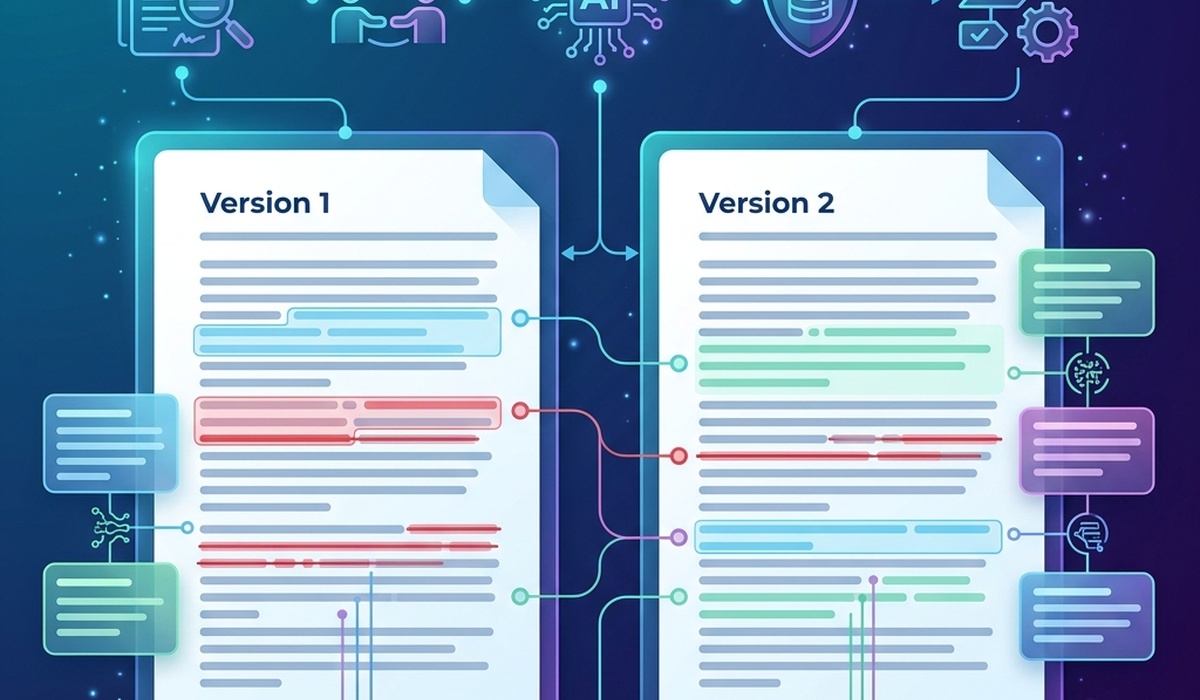
AuroraPrime RMA's Compare Documents feature enables interactive diffing at a granular level. Authors and reviewers can select any two versions of a document—or compare a local draft against the template library—to generate a precise, word-level "diff" highlighting additions in green and deletions in red.
This functionality makes it simple to verify that agreed-upon comments have been implemented and that no unauthorized edits were made.
Pre-Replacement Review: Safeguarding Existing Text
When using AI to regenerate a section of a document based on new reviewer inputs, writers must not lose control of their existing prose.
Before accepting any AI-generated updates, AuroraPrime RMA provides a Pre-Replacement Review panel. Clicking "Show Diff" allows authors to compare the AI's proposed rewrite side-by-side with the current text, highlighting additions and deletions before they are written to the document.
This "human-in-the-loop" step ensures that no approved text is overwritten without explicit consent, keeping the author in command of the document's final state.
| Review Capability | Manual Method | AuroraPrime RMA Method | Compliance Benefit |
|---|---|---|---|
| Data Verification | Manual comparison with paper tables | Side-by-Side Cell Highlighting | Prevents data mismatch errors |
| Draft Comparison | Microsoft Word Compare (clunky) | Granular, Word-Level Document Diffing | Speeds up revision validation |
| AI Updates | Blind copy-pasting | Pre-Replacement Diff Validation | Protects approved wording |
To see how our pharma ai content orchestration platform accelerates review cycles, visit our pharma ai content orchestration platform page or book a live demo.
Frequently Asked Questions
How does side-by-side data verification prevent clinical writing errors?
It highlights corresponding cells between the text tables and the source files automatically when you hover over them, allowing reviewers to catch typos or transcription errors immediately.
Can we compare clinical documents against template libraries?
Yes, the "Show Diff From" feature allows writers to compare their active document against the master version in the Template Portal, highlighting formatting or text deviations.
Does the system support Track Changes?
Yes, all modifications suggested by the AI are written in standard Track Changes mode, making them compatible with Microsoft Word and easy for reviewers to audit.
Conclusion
The review cycle does not have to be a bottleneck. By utilizing an enterprise medical content authoring platform like AuroraPrime RMA that integrates side-by-side data checking, word-level diffing, and pre-replacement validation, sponsors can streamline reviewer reconciliation and cut approval cycles by up to 50%.
Reclaim your writing velocity. Contact us to schedule a demo of our document comparison features.
